
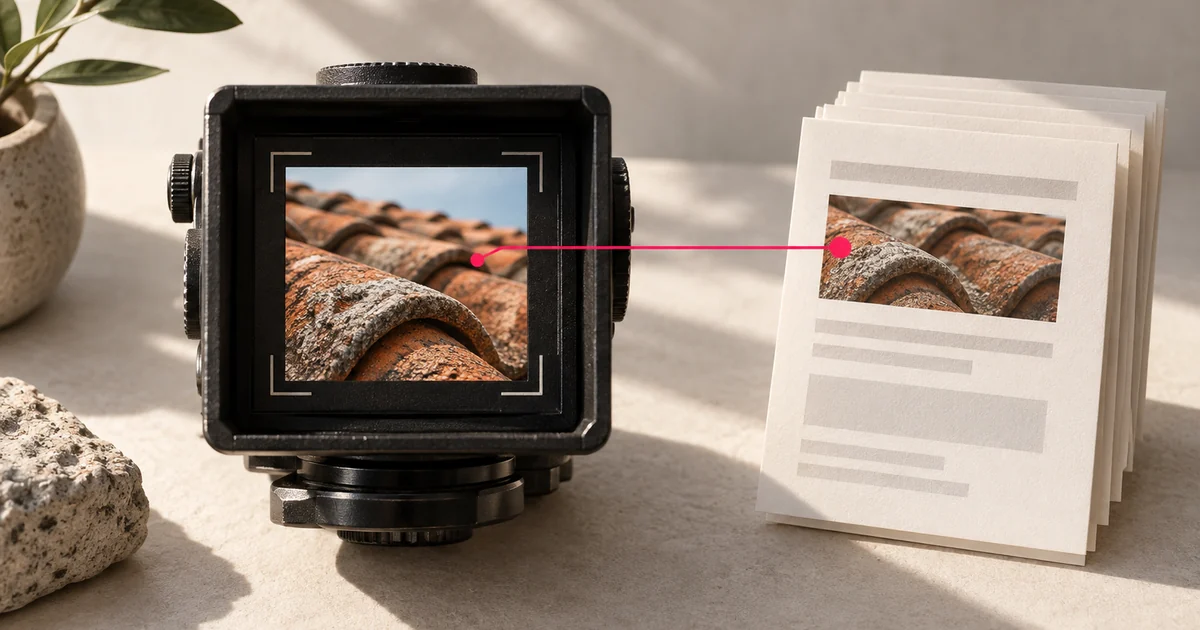
On 24 September 2026, Google announced a new Web: multimodal search type in Search Console. It covers web searches that use an image, including Google Lens, Circle to Search on Android, an image uploaded to Google Search, and Chrome’s “Search this image” action. The filter appears in both the Search results performance report and Google’s Generative AI performance report as it rolls out globally.
For a service business, this makes a previously hard-to-see route to your website easier to inspect. Someone could photograph a roof detail, a room finish or a piece of equipment and look for information or a provider. The report can show whether pages from your site appeared during image-led searches. It cannot tell you which photograph the person used, what they wanted to buy, or whether a visit became an enquiry.
Where to find the new data
In your verified Search Console property, open Performance → Search results, choose the Search type filter and select Web: multimodal. Google’s report guide distinguishes this from Web: text-based and from the separate Image search type. “Multimodal” describes a web result reached through a search involving an image; it is not simply a new name for Google Images.
The Search results view offers the usual clicks, impressions, click-through rate and average position. Look at Pages to see which URLs appeared, then Countries, Devices and Dates for context. Google also provides an Export button. The Generative AI report has the same multimodal search type filter, but it reports impressions in supported AI Overviews and AI Mode experiences, not clicks or leads.
If the new segment is empty, do not assume your image SEO is broken. Google says the rollout began globally on 24 September and that metrics will appear when a site receives traffic from these searches. Its help page also notes that some sites may not have enough impressions to see the Generative AI report. Check the selected property and dates, then allow time for data to accumulate. Google’s announcement and Generative AI report guidance.
What the numbers cannot tell you
Google says the Queries dimension is unavailable for multimodal searches because these searches mostly use images rather than text. You can inspect the page that surfaced, but you cannot read the searcher’s image or reconstruct the question from the report. Search Console’s dimensions guide.
The filter groups several image-led entry points together. Google lists Lens, Circle to Search, uploads and Chrome image search as included sources, but the published report does not offer a separate breakdown for each. A page with impressions also does not prove that a particular image on that page matched the searcher’s picture. Those are limits of the data, not gaps to fill with guesses. Google’s announcement and Search Console’s report guide.
Take extra care with the Generative AI view. An impression means a link to your page was shown in a supported Google AI feature. It is not evidence that the business was recommended, cited in a particular answer, contacted or hired. For enquiries and sales, use your own lead records and site analytics alongside Search Console. Google’s definition of an AI impression.
A useful first review for a UK service site
- Save a baseline. Note the property, date range and the first date with data. Export the multimodal Search results view. Because this reporting has just launched, do not attribute a change in your overall chart to an SEO improvement without checking whether reporting coverage changed.
- Inspect the pages, not imagined keywords. Are project pages, service pages, galleries or guides appearing? Open the pages that receive impressions and judge whether a visitor can understand the work, location, scope and contact route. A photograph of completed work may be useful evidence; a generic stock image may say little about the service.
- Check the actual images and their context. Google’s image SEO guidance recommends discoverable HTML
<img>elements, sharp images that load efficiently, descriptive alternative text, and images placed beside relevant page copy. Use genuine work photography with permission and captions that explain what is pictured. Keep alternative text useful to people who cannot see the image; do not stuff it with location or service keywords. - Track outcomes separately. Watch the same pages over a reasonable period, then compare clicks and enquiries with your own records. If you change a page, record what changed and when. The report may reveal a useful discovery route, but it cannot isolate the effect of one image edit from seasonality or other changes.
This will matter more to some services than others. A renovation firm or specialist repairer may have distinctive work worth showing. A service with little visual evidence may find more value in clear explanations and proof of expertise. The new report gives you another way to observe how people find you; it does not create a requirement to publish more pictures or a shortcut to AI visibility.